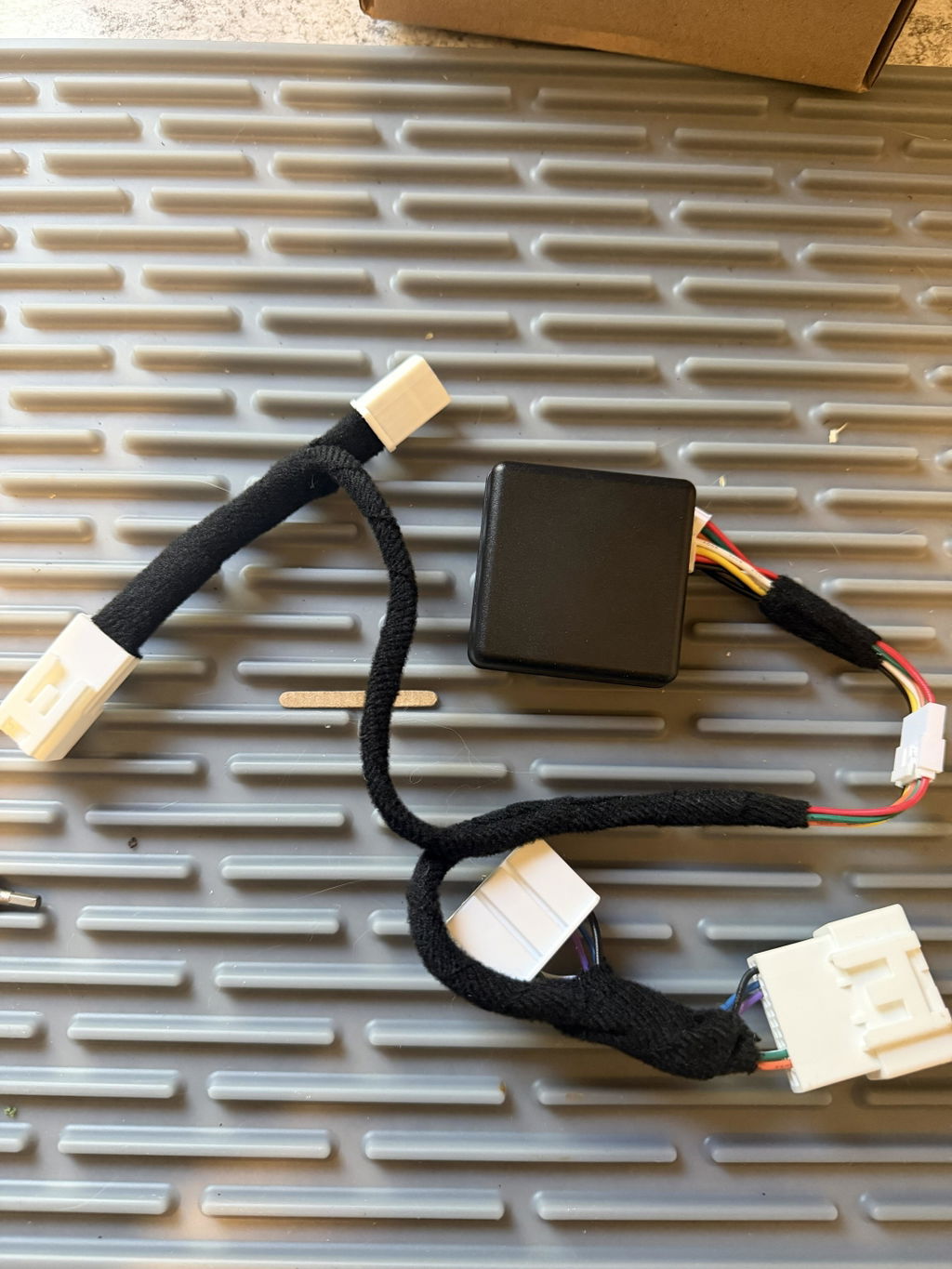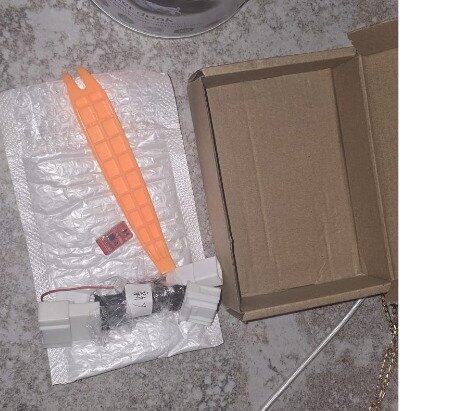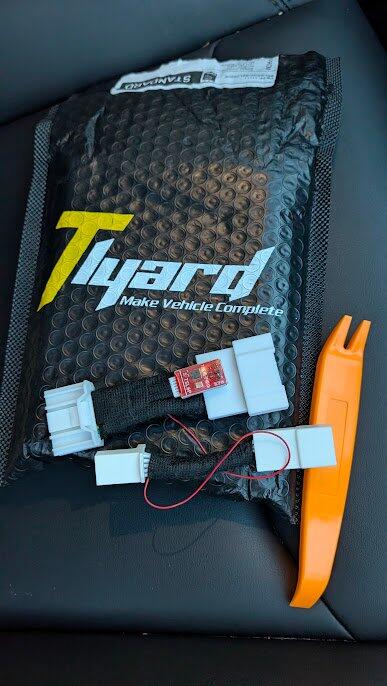
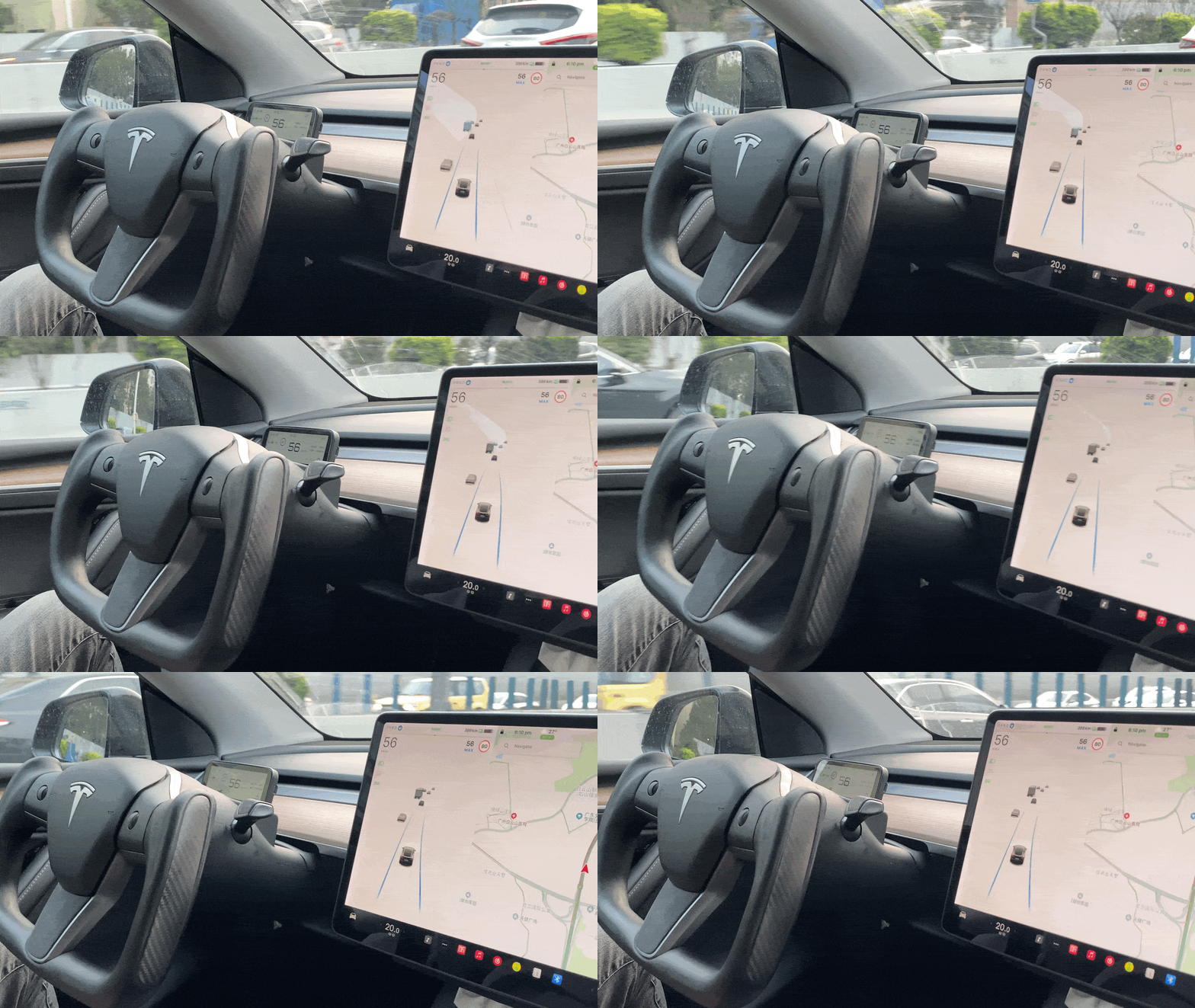


Tesla FSD Autopilot Assist Auxiliary Chip AP Nag Elimination Model 3/Y/S/X/Cybertruck Module Steering Wheel
Tesla FSD Autopilot Assist Auxiliary Chip AP Nag Elimination Model 3/Y/S/X/Cybertruck Module Steering Wheel
Abholverfügbarkeit konnte nicht geladen werden
Discount Code
Discount Code
🎃 Halloween Spooktacular Sale 👻
Apply your discount code at checkout.
Tlyard Installation Services
Tlyard Installation Services
Global Network: 10+ workshops in US, EU and ASIA
[View All Locations →]
Product Warranty
Product Warranty
For all products purchased on the Tlyard official website, Tlyard offers a risk-free, 1-year quality guarantee.
Teilen Sie dieses Produkt
Product Information
Product Description
Product Description

Standard Edition Pre-purchase Note: > Please verify your vehicle's compatibility before buying. While Assisted Driving is active, check if manually scrolling the left or right steering wheel dial clears the "hands-on" prompt. If it does, this module is compatible with your car. If not, it will not work.
- Compatible Model: For Tesla Model 3, Model Y, Cybertruck, Model S, and Model X were produced after 2016, left-hand-drive and right-hand-drive.
Torque Edition vs. Standard Edition: Choose Your Perfect Fit
| Feature | Torque Edition (The Seamless Choice) | Standard Edition (The Classic Choice) |
| How it Works (Technical) | Torque Data Simulation: It sends simulated "driver-on-wheel" data to the car to eliminate AP warnings. Note: It only sends signals and does not physically turn the steering wheel. | Automatic Scroll Logic: When AP is active, the module automatically scrolls the steering wheel volume button every 3–5 seconds to dismiss the prompt. |
| Activation & Operation | 100% Fully Automatic: Syncs instantly when AP/FSD is engaged. No manual clicks or toggles required. | Manual Activation: Requires a manual double-click on the left scroll wheel at the start of every trip to enable the chip. |
| Regional Status | Required for: Taiwan, South Korea, Canada, and Spain. | Recommended for regions where the scroll method is fully supported. |
| Installation |
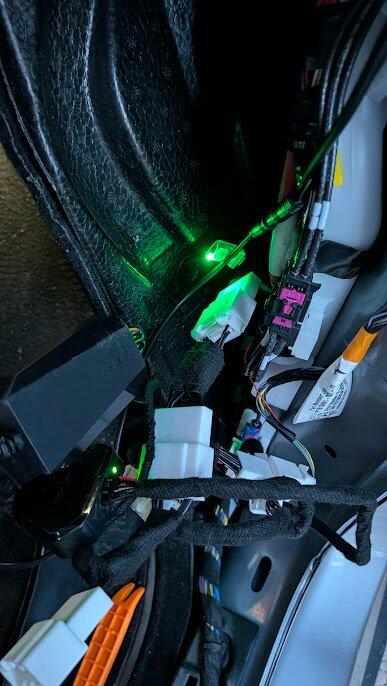
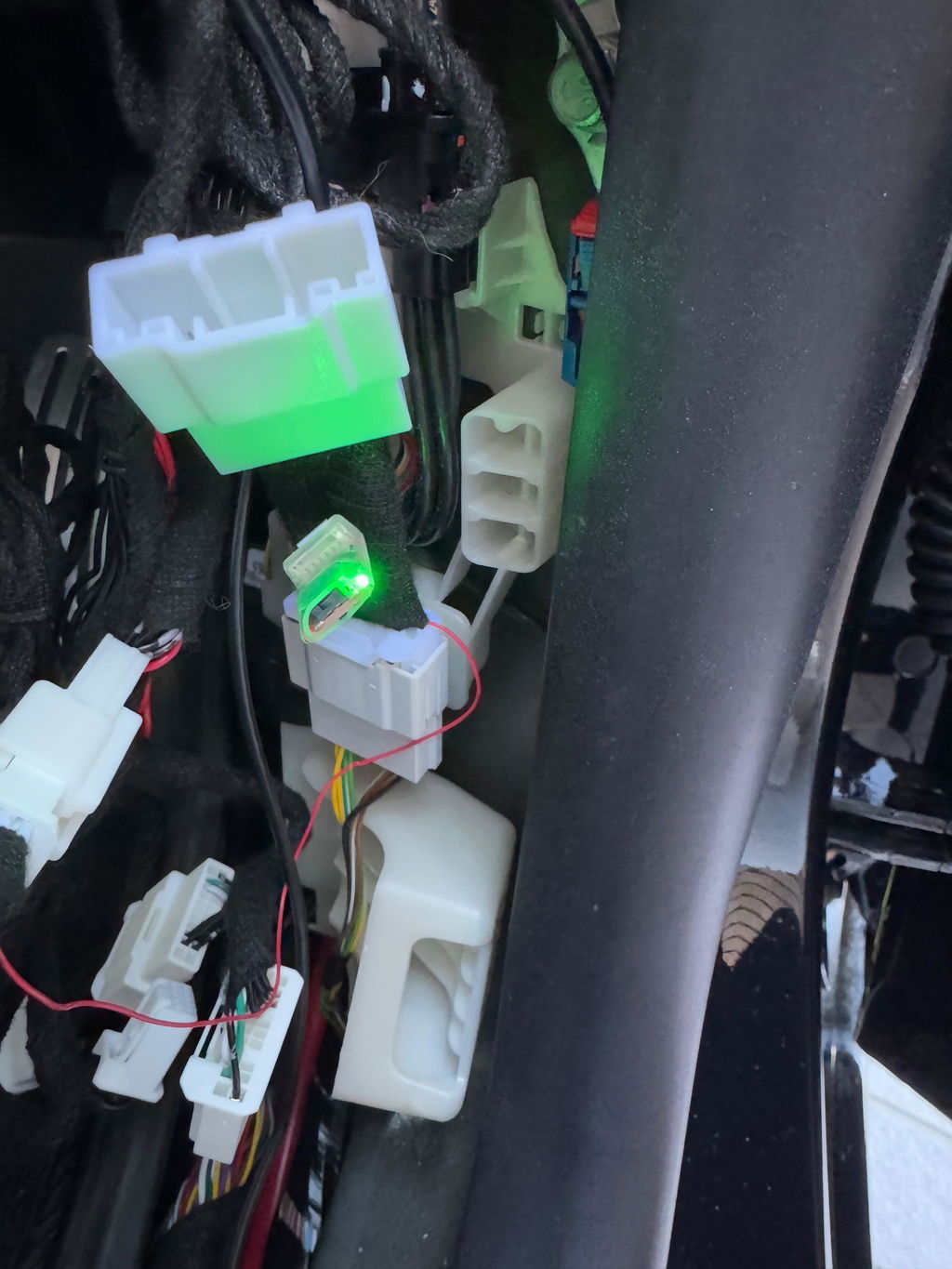
2017-2020 Model 3-Intel Ver.: Below the Passenger Glove Box Other Models: A-pillar |
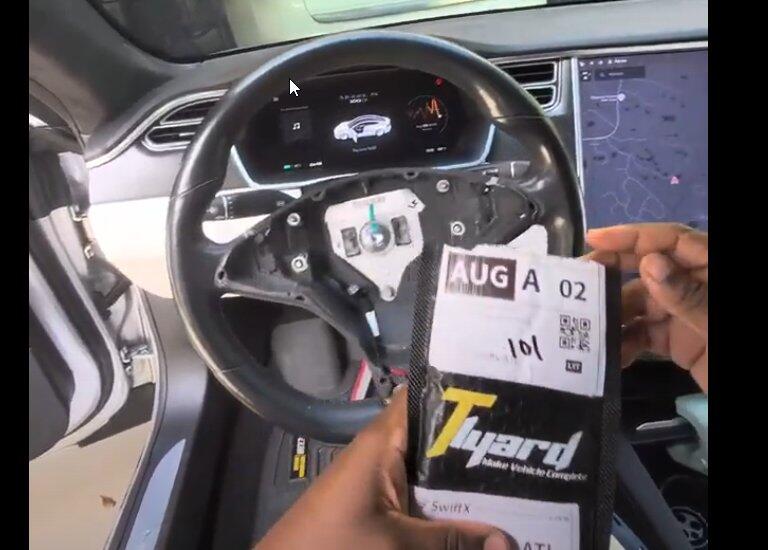
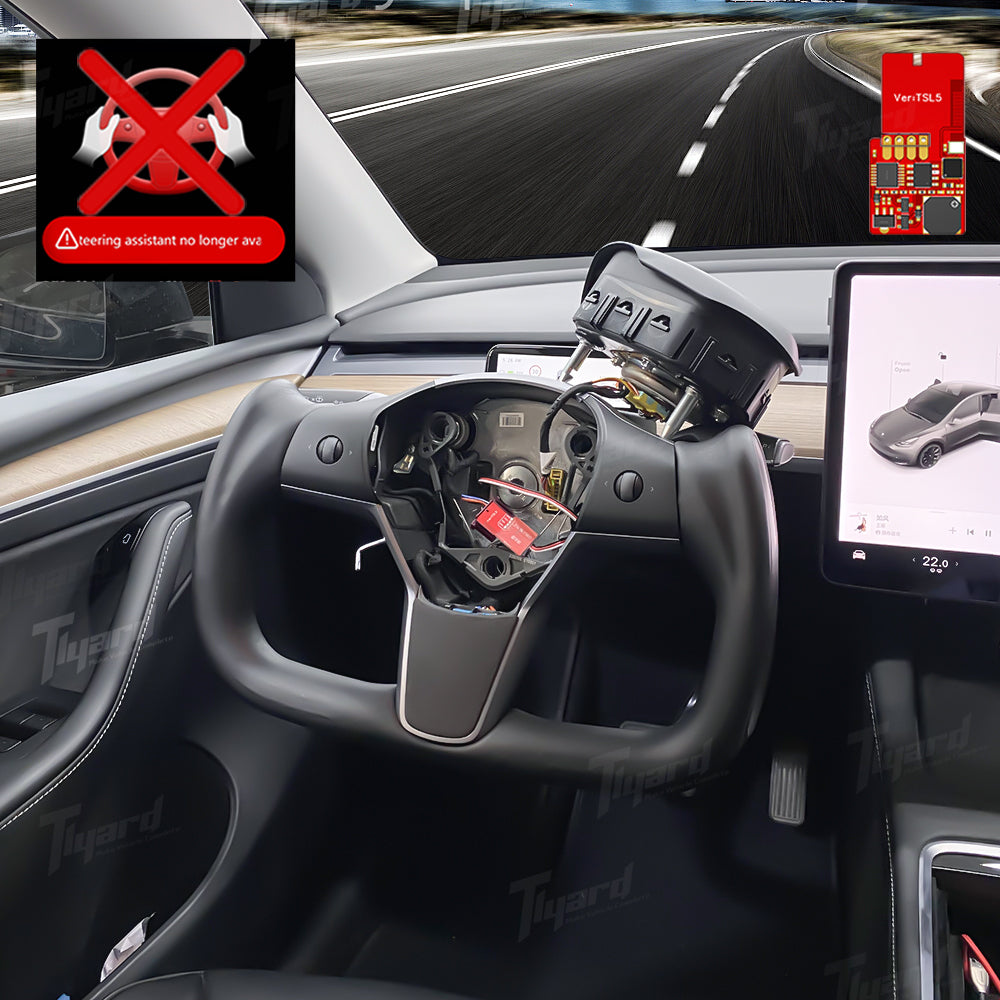
2017-2020 Model 3-Intel Ver.: Below the Passenger Glove Box Model S/X: Steering wheel. Cybertruck: Steering wheel. Other Models: A-pillar.
|
Which One Should You Choose?
- For drivers in Taiwan, South Korea, Canada, and Spain: The Torque Edition is the necessary and recommended option to ensure full compatibility and a flawless experience.
-
For all other drivers: Your choice is clear!
- Choose the Torque Edition for a fully automatic, hassle-free experience that eliminates manual steps.
- Choose the Standard Edition if you're content with the classic volume-knob method.
Upgrade Your Experience: The Torque Edition is universally compatible and delivers the most advanced, "set-and-forget" detection technology available.
Important Technical Notes
When FSD is engaged, for more reliable monitoring, please place Tesla FSD Companion Figure at the cabin camera’s position. Installation Guide: Click Here
Torque Edition Noted:
- Under the latest software update, this module operates via full lens masking for AP and a Companion Figure for FSD to maintain compatibility with the driver monitoring system.
- After installation, please press the brake pedal once to activate the module. This allows the vehicle systems (like power steering) to start, enabling the module to detect torque data correctly.
- If you are connecting other products to the same port, please ensure our module is plugged directly into the original vehicle socket first, with any additional products then connected to the pass-through port on our module.
Standard Edition Noted: For Model S & X 2016-2020, the module toggles the menu using the steering wheel controls to eliminate the alert.
Installation Video(Model 3 & Y AMD Ver.- Standard Edition)
Installation Video(Cybertruck- Standard Edition)
💬Tlyard Support & Downloads
📥 260928 Major Firmware Update – Torque & Standard Edition [ CLICK HERE ]Update Demo Video [ WATCH HERE ]
📥 260907 Torque Edition Upgrade File [ CLICK HERE ]
💡 Note: Once installed, connect the module to your vehicle. It will automatically complete the OTA firmware update—no manual setup or configuration required.
🙋 Frequently Asked Questions (FAQ)
Q: I'm a Cybertruck owner and my driving modes are switching unexpectedly after a recent firmware update. What should I do?
A: We are aware of this intermittent issue! A simple reset procedure will quickly restore normal functionality. Click Here to Check the Solution.
Note: This product is designed to enhance the convenience of the existing Autopilot system. It is not a substitute for driver attentiveness. Please always keep your eyes on the road and be ready to take control at any time.
Shipping & Returns
Shipping & Returns
Shipping Time
Total Delivery Time = Processing Time + Shipping Time
All estimated/typical delivery time are derived from real world data collected from past orders. They are approximate times for reference only.
Cut Off Time 6PM GMT
Processing Time
The processing time begins from the date you placed your order. It usually takes 1-3 business days to process your order. Once we've processed it, we can then ship it.
Orders cannot be returned after 30 nature days. Please contact us within 30 nature days from the date you receive the item. (Note: Steering wheels are custom products and will not be accepted for any return reason other than quality issues)
Product Warranty
We provide a 1-year quality guarantee risk-free for all products in our store after you place an order.
Return Shipping Fee
We do not charge a return handling fee.
Here are three return situations regarding the shipping fee:
1. If the product has a quality problem within 30 nature days after you receive the item, we will cover the freight you ship to us and refund your full order amount.
2. If the product doesn't have a quality problem, and you would like to return the order for personal reasons, please note that you will be responsible for paying the freight of the returned goods, and the original shipping fee we shipped to you will be reduced in your refund.
3. Any additional charges arising from “reject” or “return to sender” shipments will be deducted from the total refund amount.
More Shipping & Returns Policy details are in: